Every lead comes with a reason
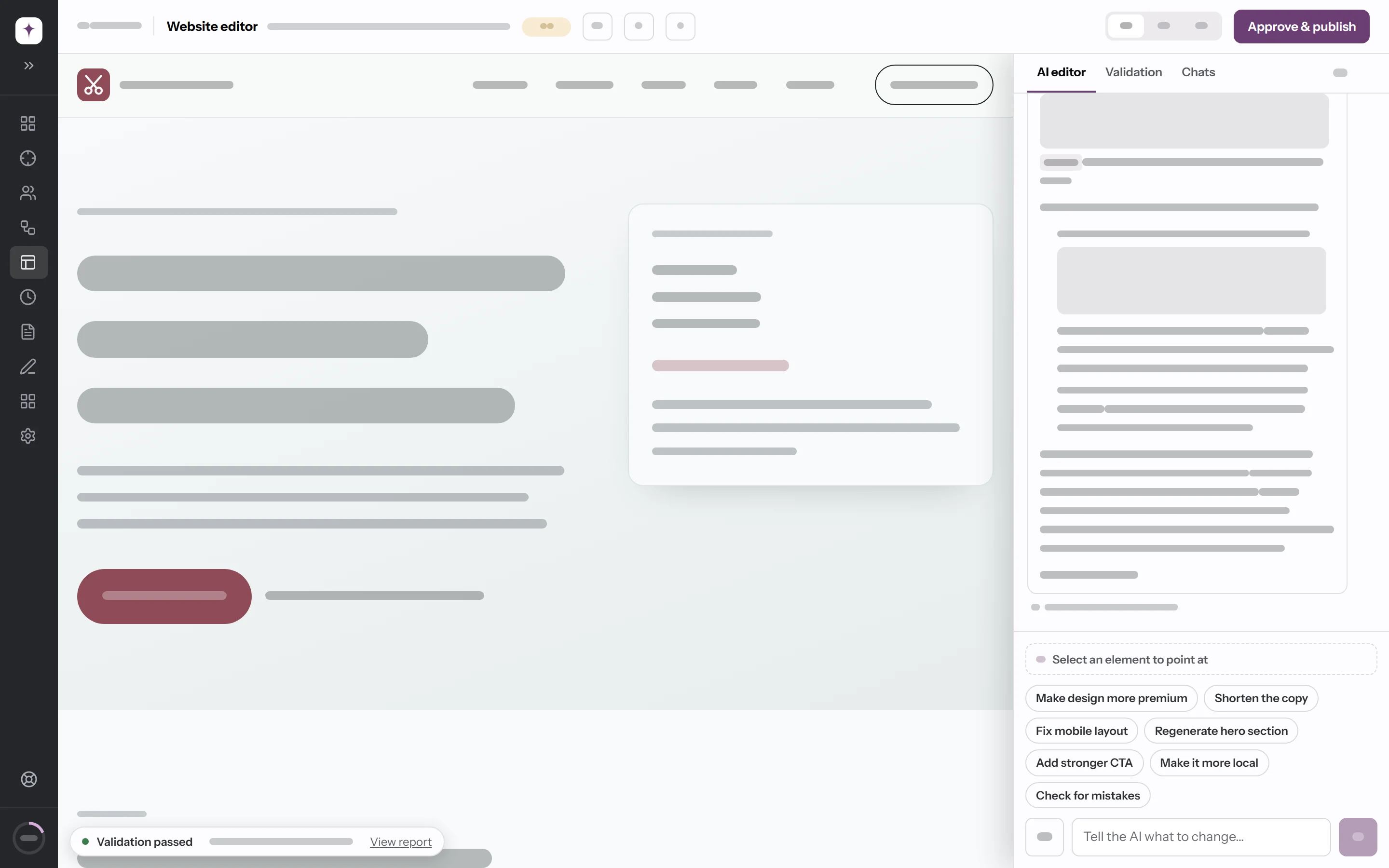
Each lead shows a score for its current site, how good a prospect it is, and one sentence on why. The AI writes it from pages it read during the run, and it doesn't save a lead it can't back up.
Pick a town. The AI finds the businesses worth calling and builds each one a site. From first lead to paid invoice, one app.
Finding leads and building a site each take a few minutes. Both run on our servers, so you can close the tab and come back to the results.
Pick a town and a radius, then click Run discovery. The AI searches for businesses without a website or with a weak one, and saves the ones worth approaching. Each lead gets a site score, an opportunity score, and one sentence on why. It skips businesses already in your list.
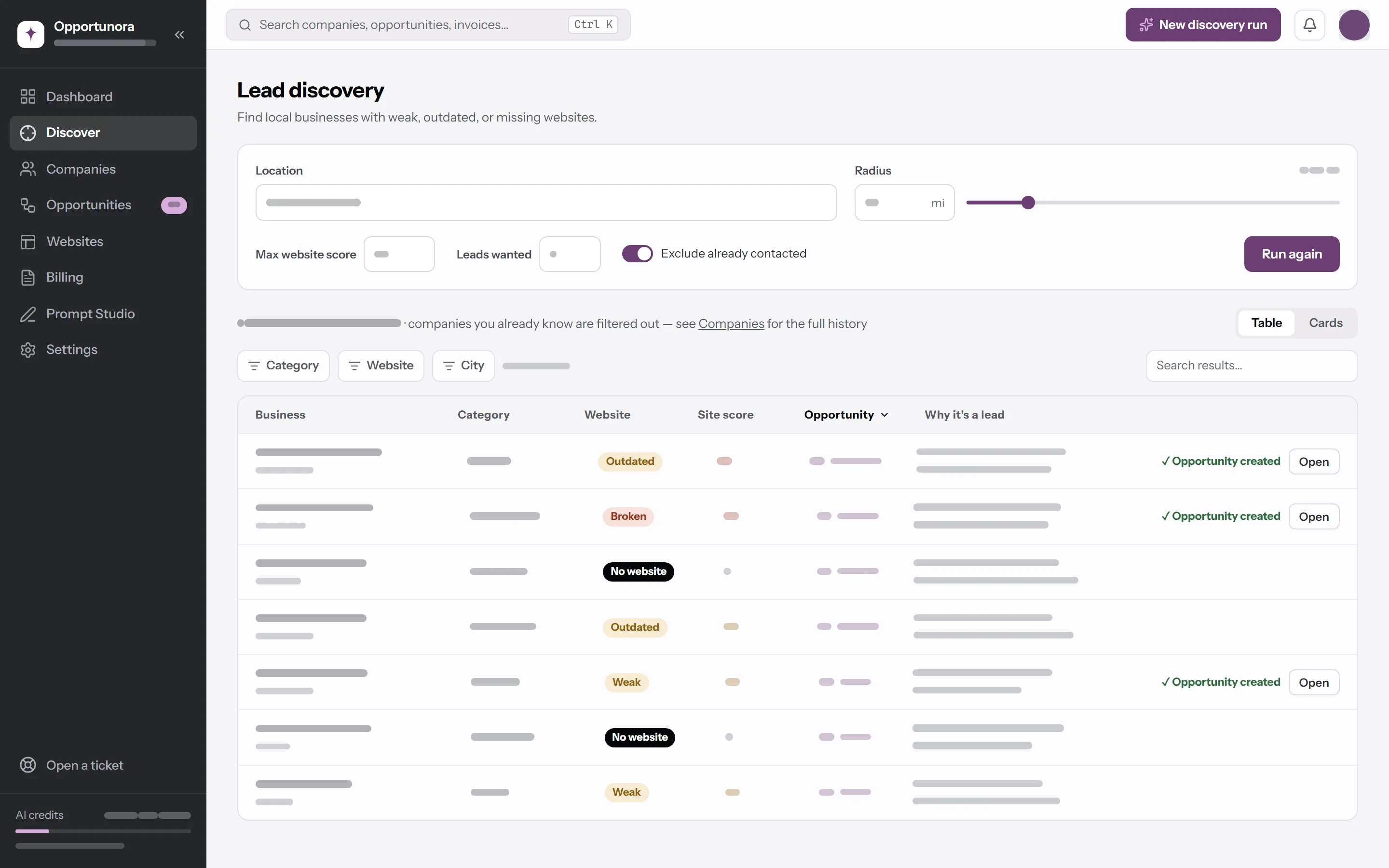
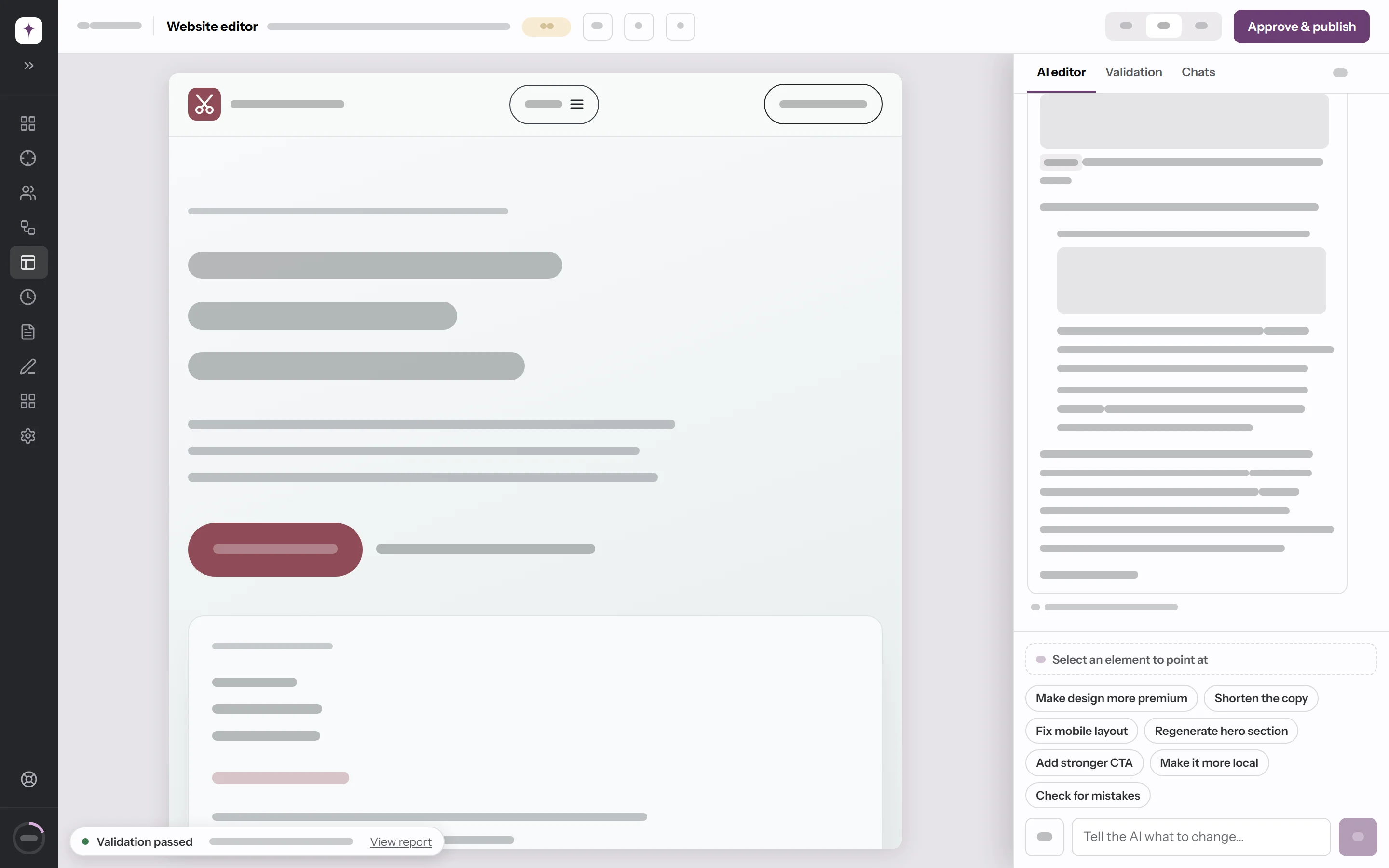
Open a lead and click Generate website. The AI researches the business, plans the design, and builds the site from the business's own logo and photos. Then it checks every page and repairs what it can. You get a preview to review.
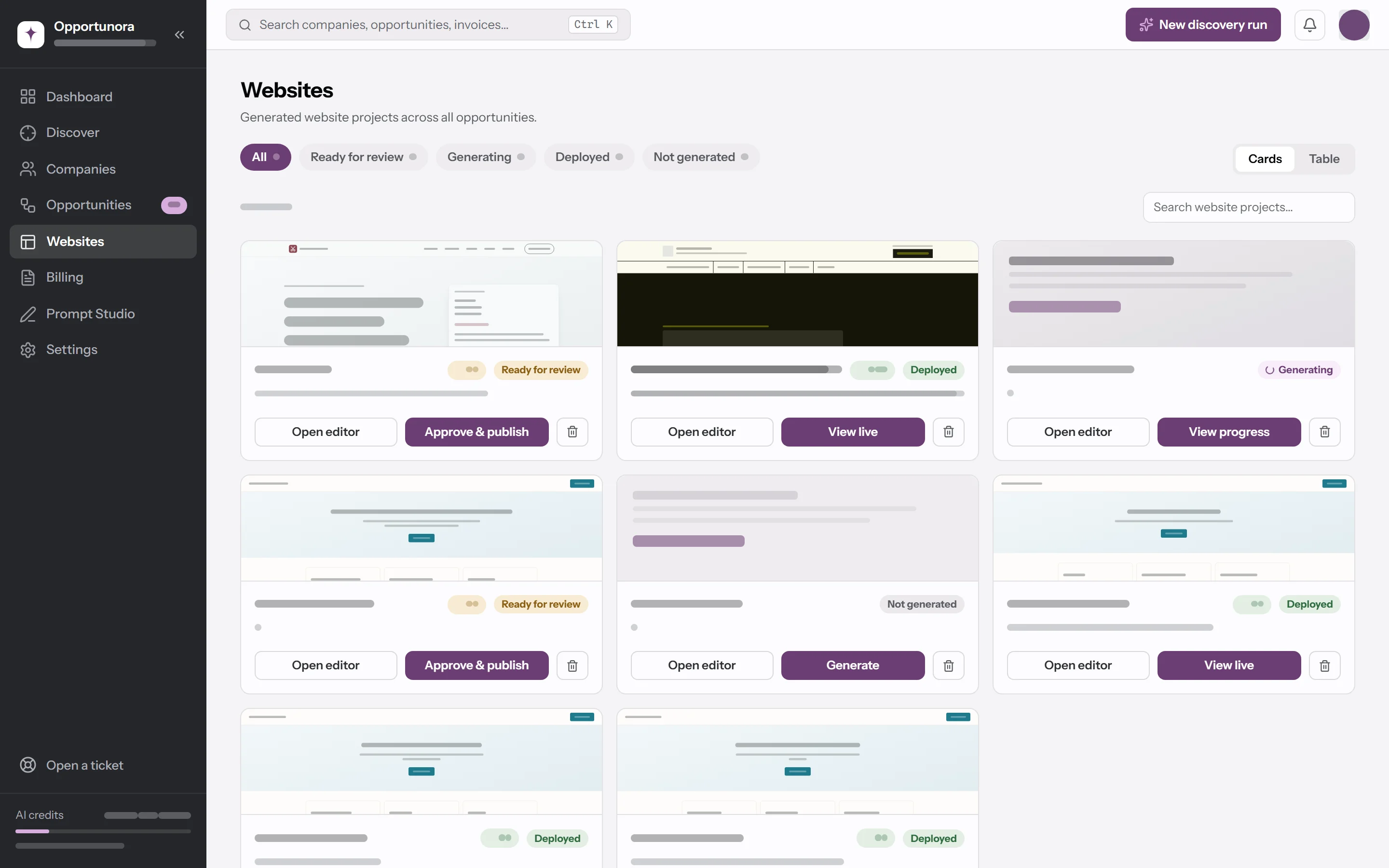
Click Approve & publish. The site goes live at its own address on your domain, hosted in your Cloudflare account, and you can download it as a ZIP for any other host. Nothing goes live until you approve it.
Client said yes? Move the deal to Won, then click New invoice, and the invoice starts with one line for their package. With Stripe or PayPal connected, the PDF carries a pay link, and the invoice turns Paid when your client pays.
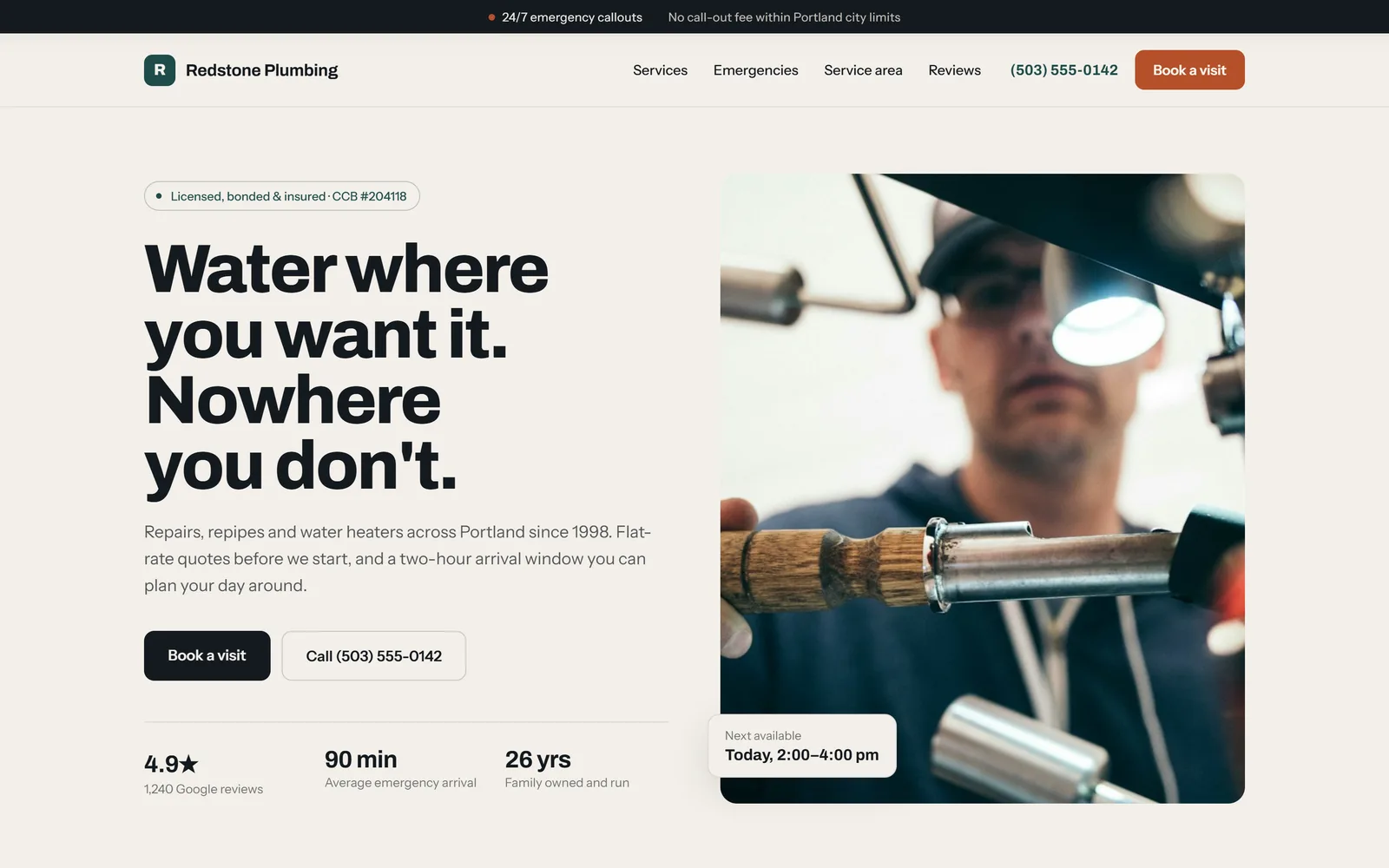
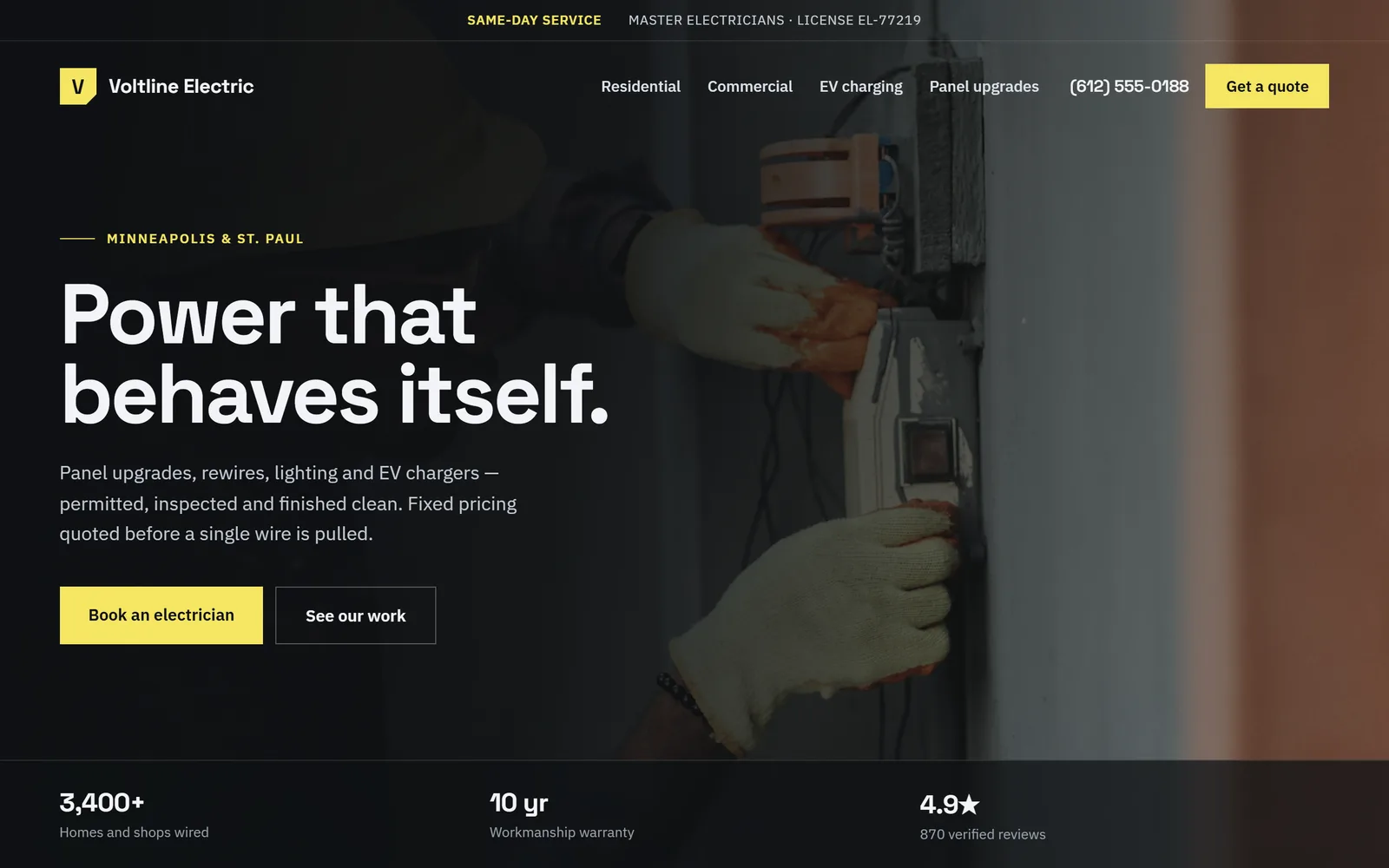
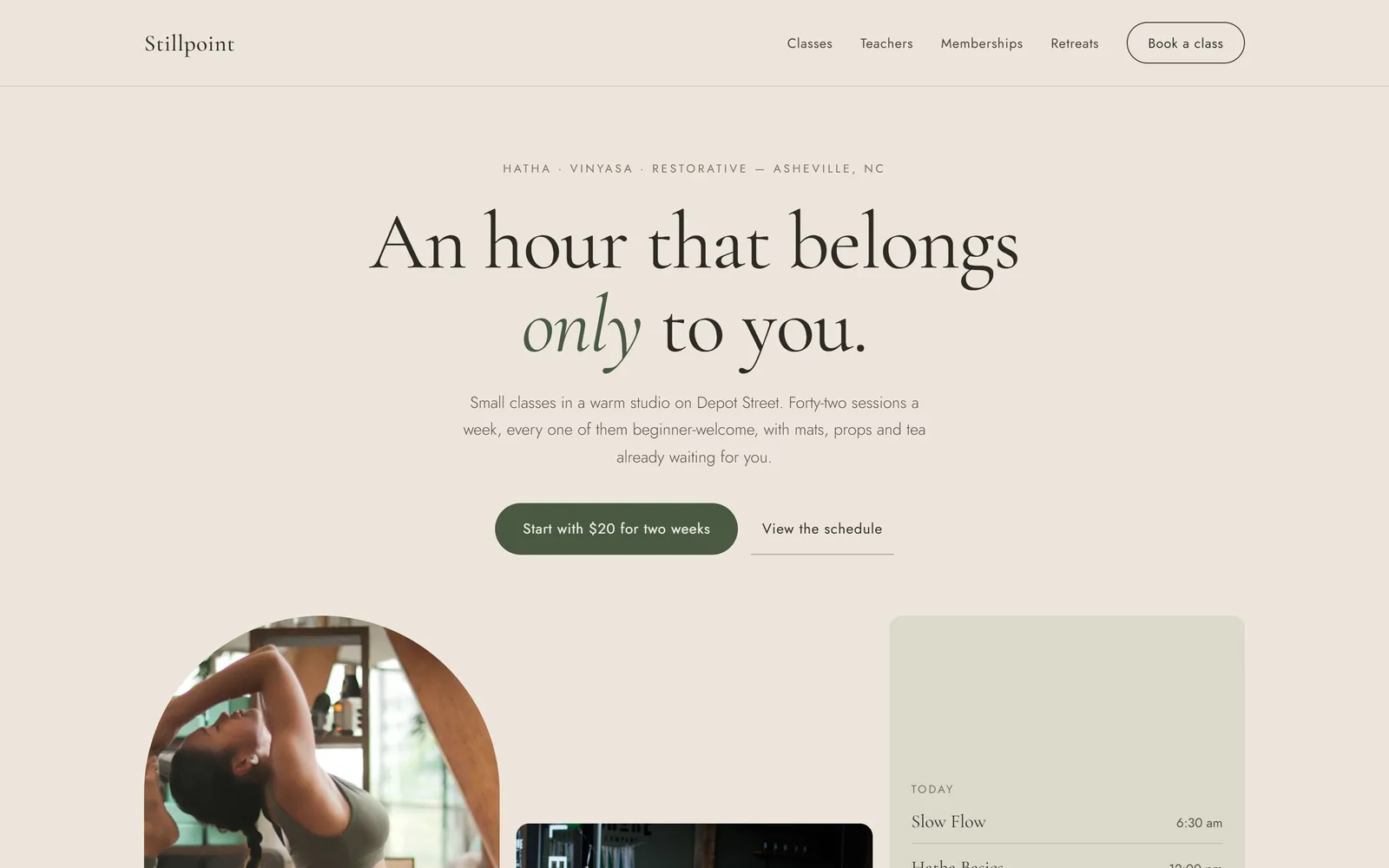
The AI writes each site for that business and its town, and builds it from the business's own logo and photos.
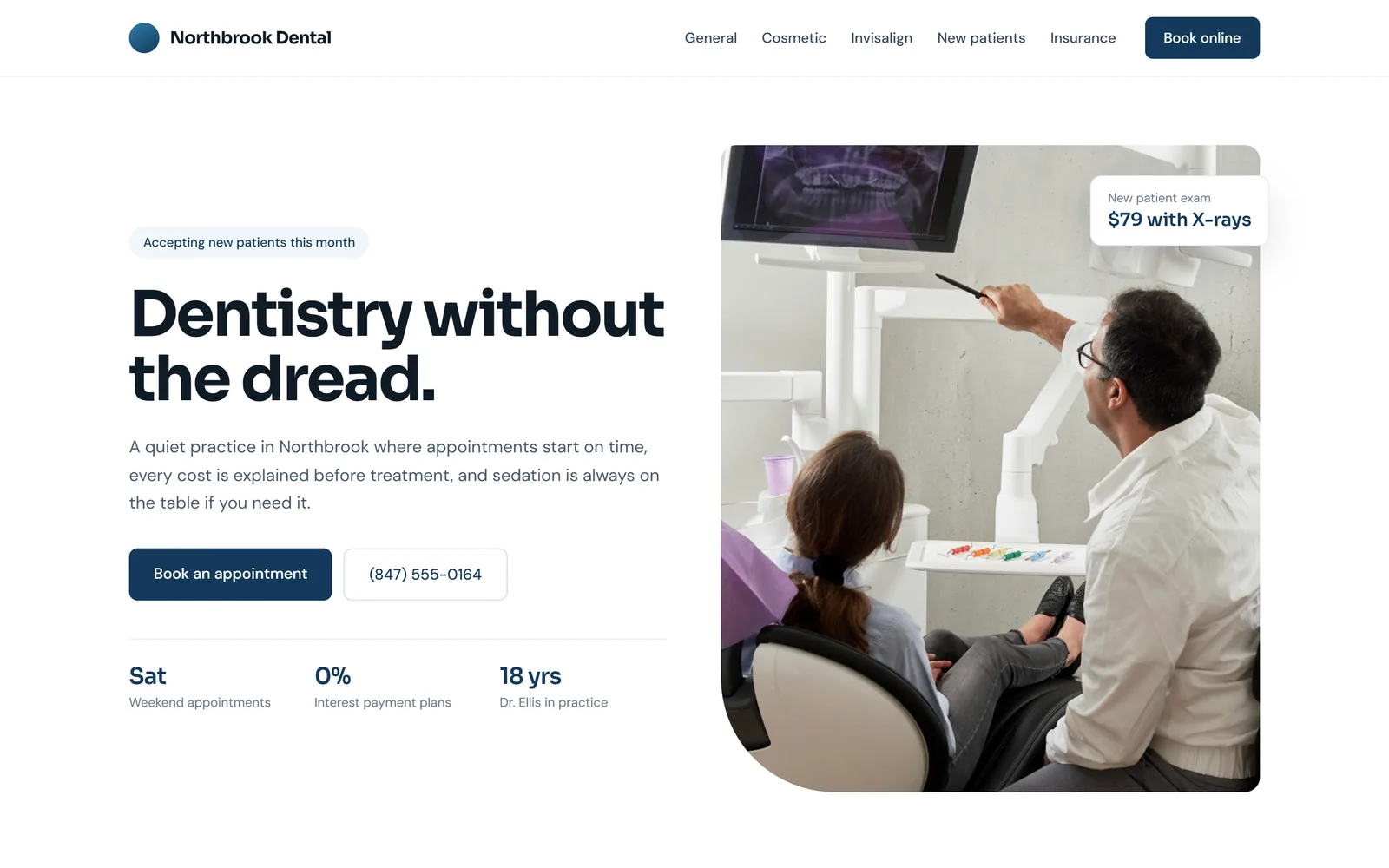
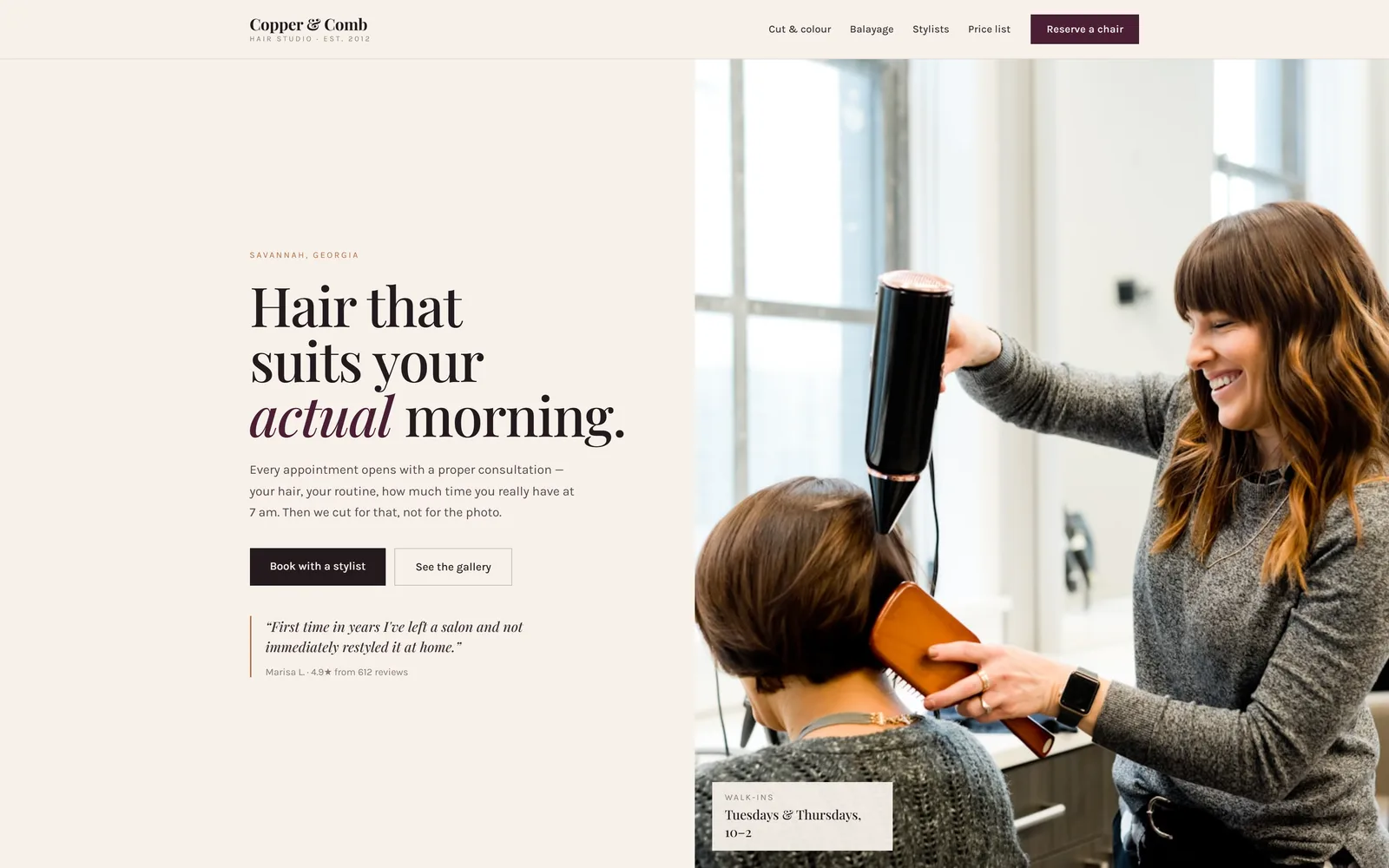
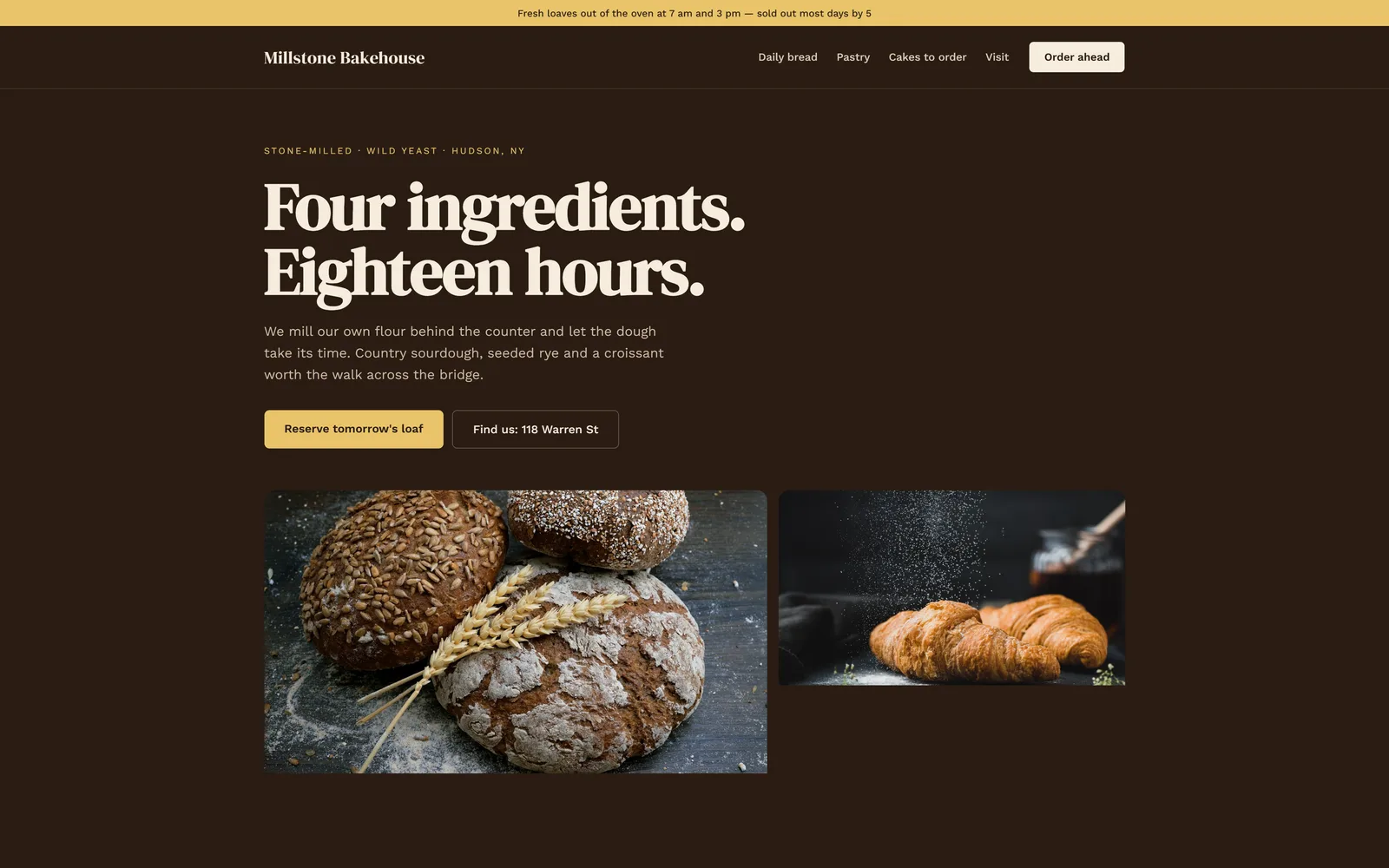
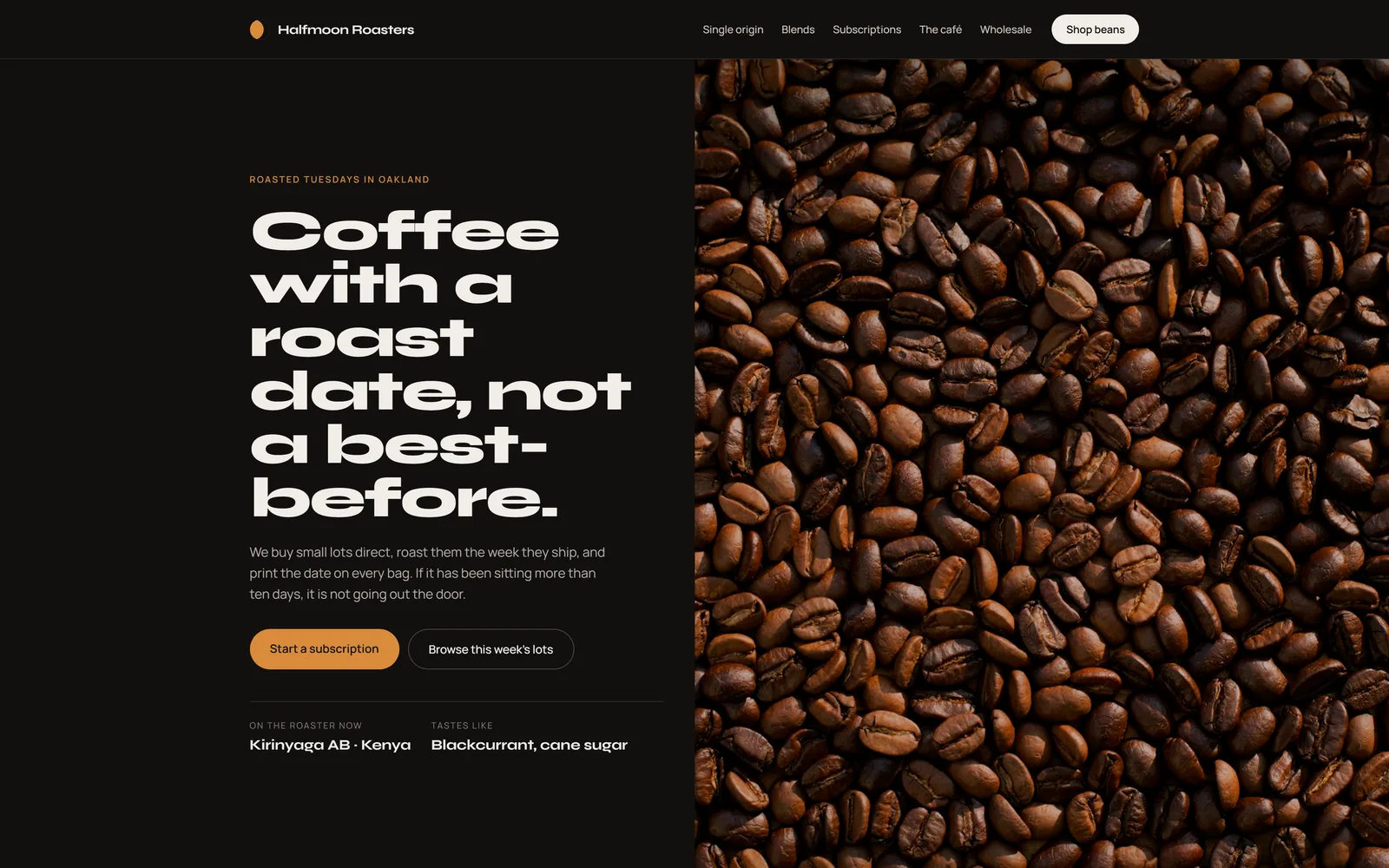
The dashboard opens on the one thing to do next. Everything else waiting on you follows below, ranked by how close it is to getting paid.
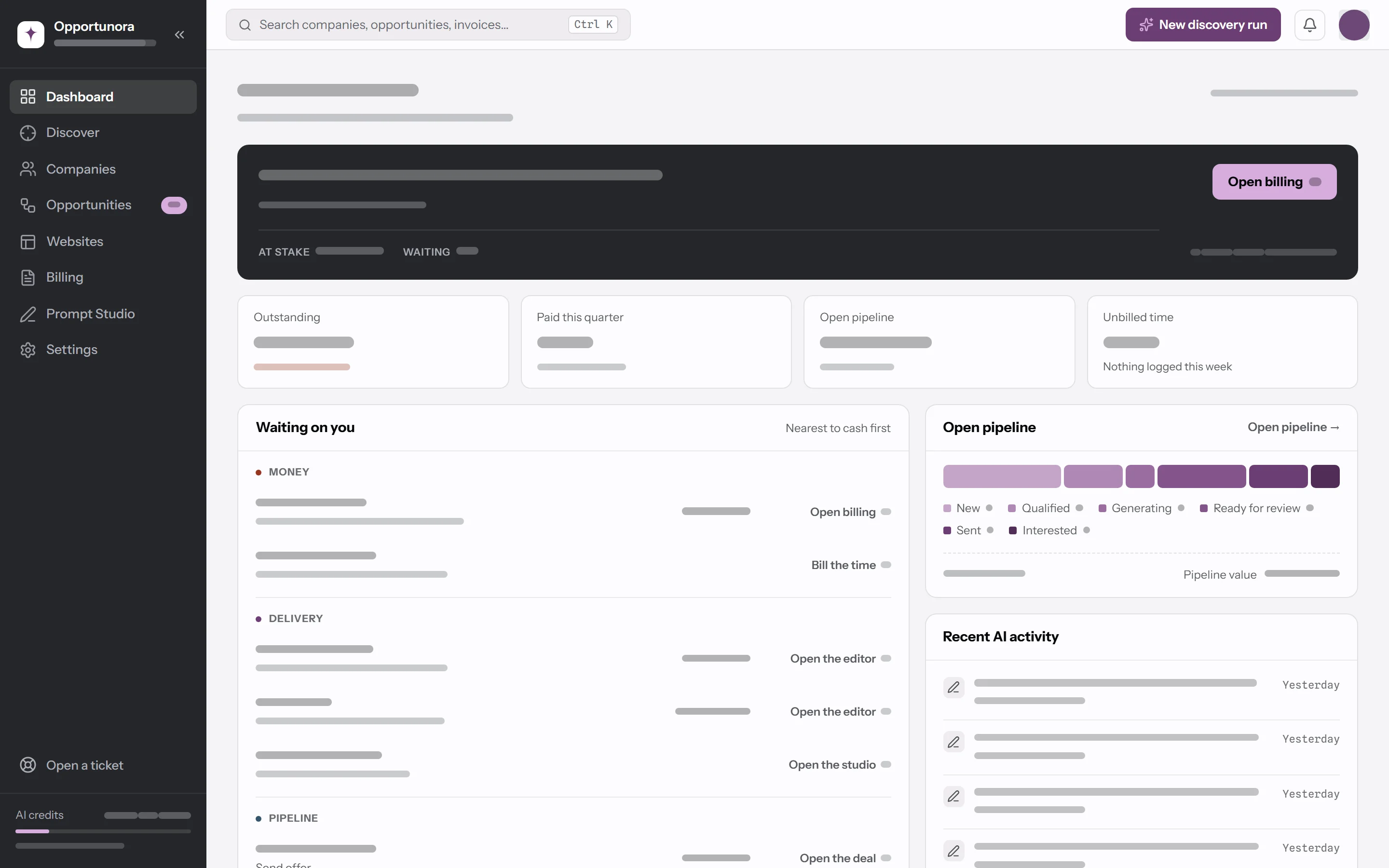
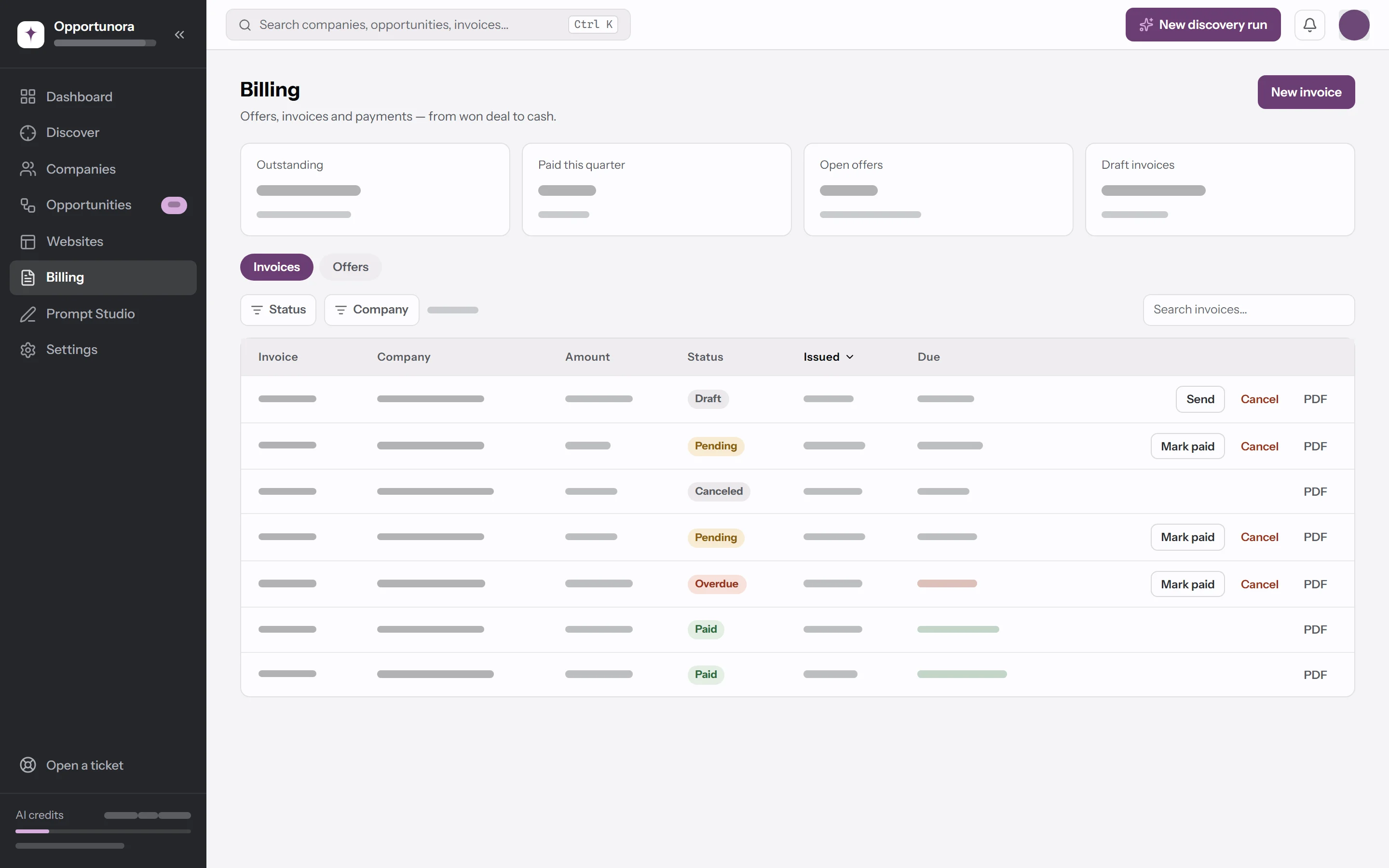
Your leads, websites, and invoices live in one place, so you never copy anything from one tool to another.
Each lead shows a score for its current site, how good a prospect it is, and one sentence on why. The AI writes it from pages it read during the run, and it doesn't save a lead it can't back up.
Describe what to change, or point at part of the page first. The AI makes the change, tells you what it did, and saves a new version.
Every page goes through about two dozen structural checks before it reaches you. If a check fails, the AI repairs the page, up to twice, and tells you if anything still fails.
Deals, the website, invoices, and what the AI found about their web presence, with the next step at the top.
The Opportunities board shows each deal by stage. Every column totals its value, and every card names its next step. Switch to a table when you want to sort.
Turn a won deal into an invoice. The PDF carries your bank details and, with Stripe or PayPal connected, a pay link. When your client pays online, the invoice marks itself paid.
You never have to touch it: the defaults are what the product is tested with. When every site comes out wanting the same change, edit the instructions behind it.
Every plan can find leads, build and publish sites, and send invoices. Plans differ in AI credits and how many jobs run at once. Every new workspace starts on the free 14-day trial, and you pick a plan when you're ready.
For one person getting started in one town.
Billed yearly, $790 a year
Start free trialFor selling in several towns at once.
Billed yearly, $1,990 a year
Start free trialFor selling in many towns at once.
Billed yearly, $4,490 a year
Start free trialA job is a discovery run, a website generation, or a publish. Everyone in a workspace shares its job limit, and extra jobs wait in line until one finishes.
You name a town and a radius, near you or anywhere else. A research agent looks for local businesses there and checks what each one has online. It saves the ones worth a pitch: businesses with no website, only a listing or a social profile, or a site that's broken, outdated, or weak.
Each lead comes with an opportunity score and one sentence on why it's worth a call. A business whose site is good enough to be a hard sell is never saved. The docs on finding leads explain every field on the run form.
You don't need to write code. To publish sites, you connect a free Cloudflare account and a domain you own, and one DNS record covers every site you publish. To take payments online, you connect Stripe or PayPal. The docs walk through each step.
You do. The app finds the businesses and gives you one sentence on why each is a lead. You reach out by phone, email, or in person, and send the website link and the invoice PDF yourself. The app never emails your leads or clients.
The guide to selling websites covers what to say first.
It's up to you. Each deal takes its price from the package you pick, and its invoice starts from that price. The app starts you with three packages you can edit: Starter at $1,450, Professional at $2,400, and a Care plan at $49 per month.
The guide to selling websites explains how to price the work.
No. A new site stays a preview inside the app until you click Approve & publish. Invoices change status only when you change them, except that an invoice your client pays online marks itself paid. The app never emails your leads or clients.
Mobile-friendly sites made of plain files: one page by default, more when the business needs them, with a privacy policy and any legal notices its region requires. Colors, style, and wording follow the business's trade, country, and current site, and its own logo and photos go in.
Each site downloads as a folder of files with the photos under assets/. It runs on any web host, loads nothing from other services, and keeps working after the job ends.
Tell the editor what to change, pointing at part of the page first when it helps, or use a quick action such as Fix mobile layout. Each change becomes a new version with a note on what changed, and you can still preview older versions. Chats are grouped into sessions, so you can start fresh for each round of revisions.
When your client agrees, move the deal to Won and create the invoice from it. Invoices are numbered in order, and the A4 PDF carries your bank details.
Connect Stripe or PayPal, and the invoice also gets a pay link and a QR code. Your client pays without creating an account, the money goes to your own Stripe or PayPal account, and the invoice turns Paid on its own. Stripe and PayPal charge their own fees; Opportunora takes no cut. For a bank transfer, record the payment with Mark paid.
Yes. Every new workspace starts with 1,000 free AI credits for 14 days, and you don't need a card to start. That covers about one discovery run and one website, with room for some edits: enough to take one real business through every step. The plans on this page pick up from there.
About 480 AI credits. If your credits run out partway, the run stops and keeps the leads it already found.
The number of leads isn't guaranteed. The AI only saves businesses worth contacting, so a run can find fewer than you asked for.
Yes, on phones and tablets. A computer is still the better screen: the app was designed for 1440 by 900, and a few controls, such as the editor's device switcher, are hidden on small screens. The websites it builds work on screens as narrow as 320 pixels.
The work keeps going. Discovery runs and website generations run on our servers, and your browser only shows their progress. If a server stops mid-run, the run goes back in line and starts again.
Yes. Add them with Add company, and they follow the same steps as a lead the AI found. If a client already has a working site, the new site keeps its real facts and fixes the issues found in the old one.
Search one town, read what the AI found, and build one site. By the time you've reviewed it, the site is ready to publish. That's about what the free trial covers.
The trial is free for 14 days, with 1,000 AI credits. No card needed.