Documentation Your workspace
Settings
Every settings tab and every field on it, what each one changes elsewhere in the app, and the few things you might look for in Settings that are not there yet.
Settings has ten tabs. Every role can open every tab and read what is on it; only an Admin can save. A non-admin gets Permission denied from the save button rather than a greyed-out form.
Switching tabs discards anything you typed and did not save.
Workspace
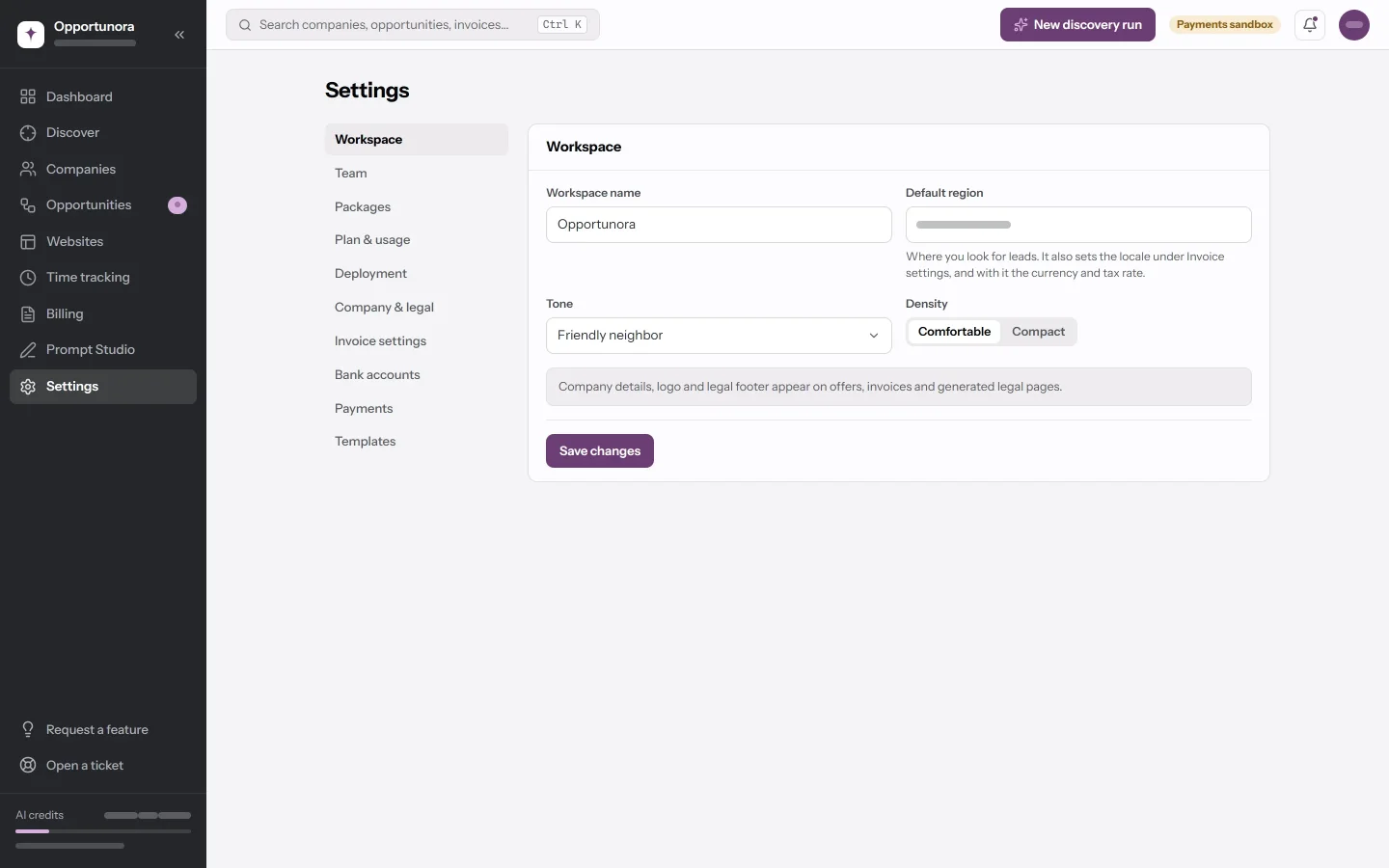
| Field | What it does |
|---|---|
| Workspace name | The name in the sidebar. Separate from the company name on your invoices. |
| Default region | Where discovery runs start. It also sets your invoice locale, currency and tax rate — until you set those by hand under Invoice settings, after which it leaves them alone. |
| Tone | How generated sites sound: Friendly neighbor, Professional consultant or Short & direct. |
| Density | Comfortable or Compact spacing across the app. |
Packages
The packages you sell. Picking one on a deal fills in its value; only active packages appear there.
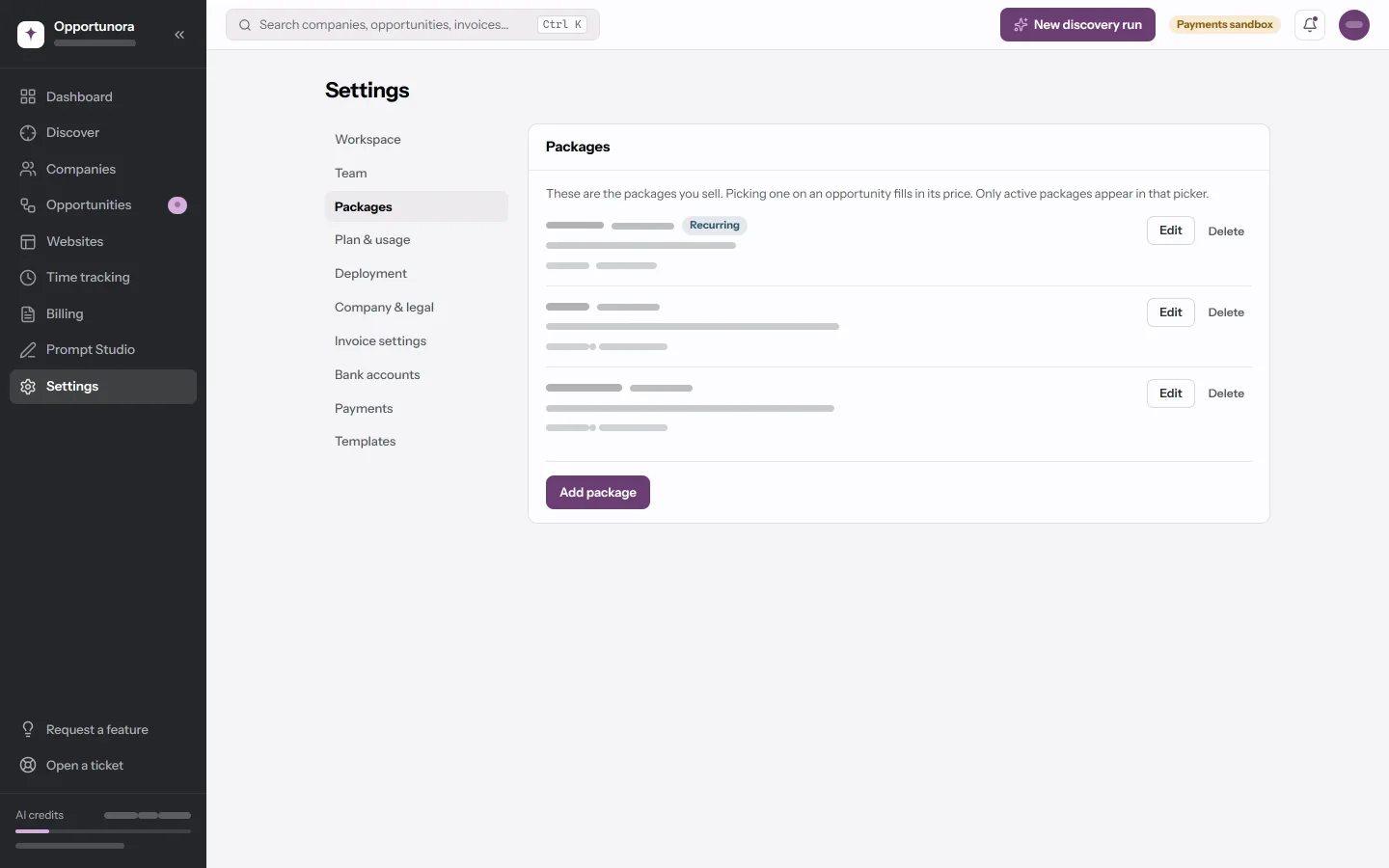
Each package has a Name, a Price, a three-letter Currency and a Description, and two switches:
- Bills monthly — for a care or maintenance plan. The deal then counts as recurring revenue instead of a one-off sale.
- Active — an inactive package stays on the deals that use it, but cannot be picked on a new one.
A package something has been sold on cannot be deleted. Make it inactive.
Plan & usage
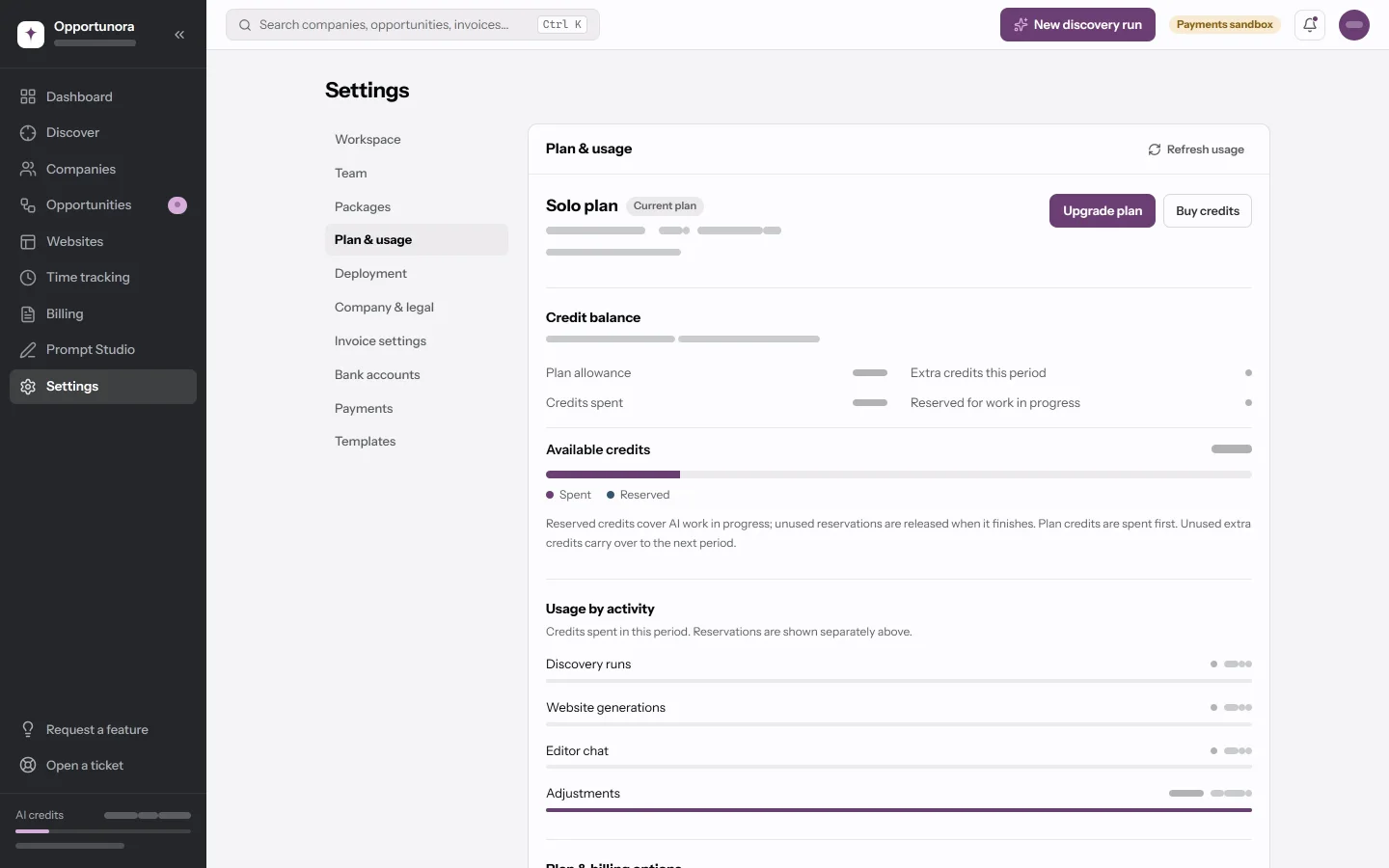
Your plan, the credits used this period against its allowance, the reset date, and Where they went — split into discovery runs, website generations, editor chat and adjustments. See AI credits and plans.
There is no upgrade button: the app takes no payment for plans yet, and the tab says so.
Deployment
The Cloudflare account and the publishing domain. Covered in full in Connect Cloudflare and Connect your own domain.
Company & legal
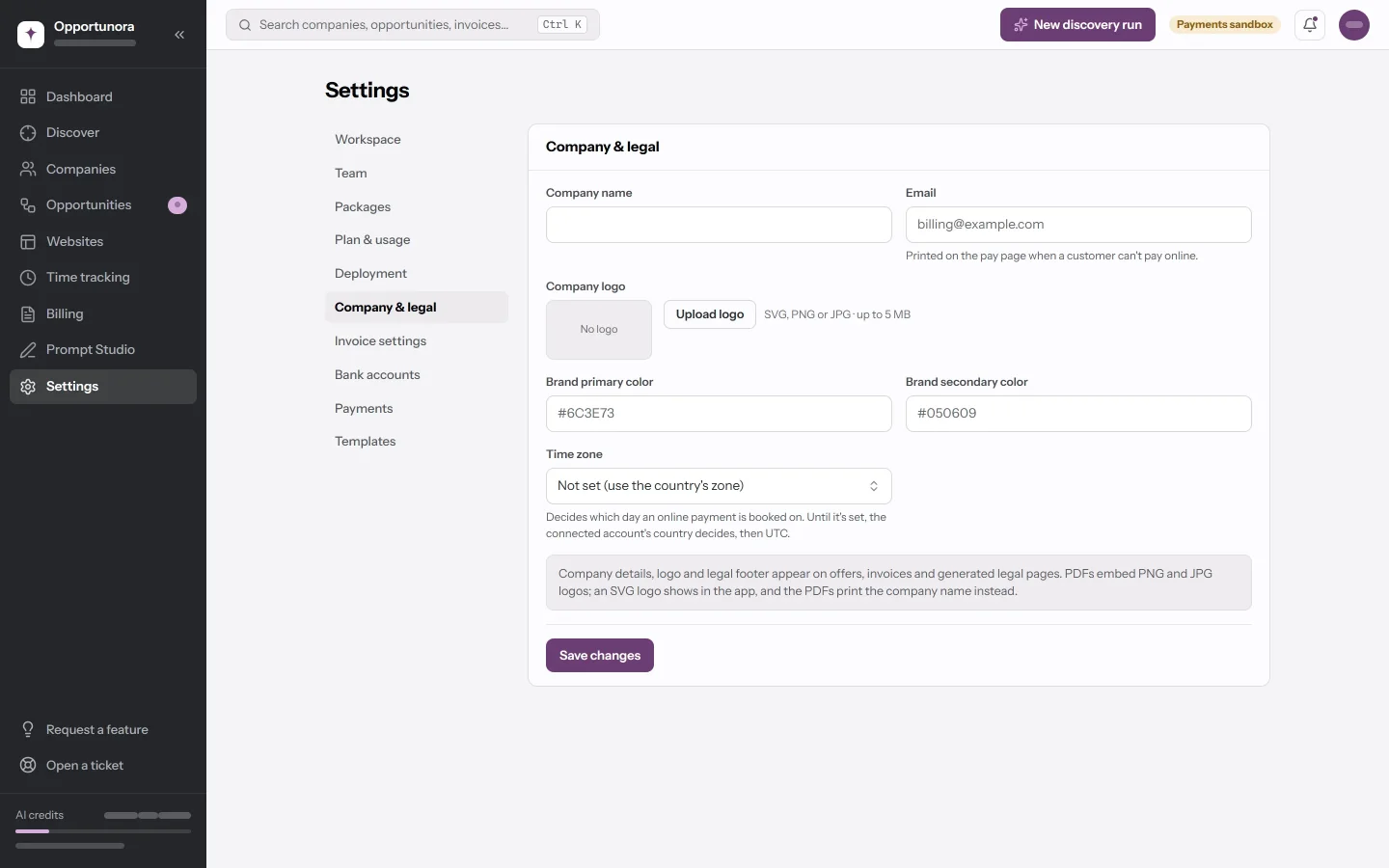
| Field | What it does |
|---|---|
| Company name | Prints on invoices and on the pay page. |
| Printed on the pay page for a client who cannot pay online. | |
| Company logo | Upload logo — SVG, PNG or JPG, up to 5 MB. PDFs only print PNG and JPG; an SVG shows in the app and the PDF prints the name. The upload is kept only when you press Save changes. A logo saved earlier as a web address no longer shows on invoices or the pay page; upload it as a file instead. |
| Brand primary color, Brand secondary color | Hex values like #6C3E73. They do not reach the PDFs. |
| Time zone | Which day an online payment is booked on, and when an invoice turns overdue. Unset, the app suggests one for your country. |
Invoice settings
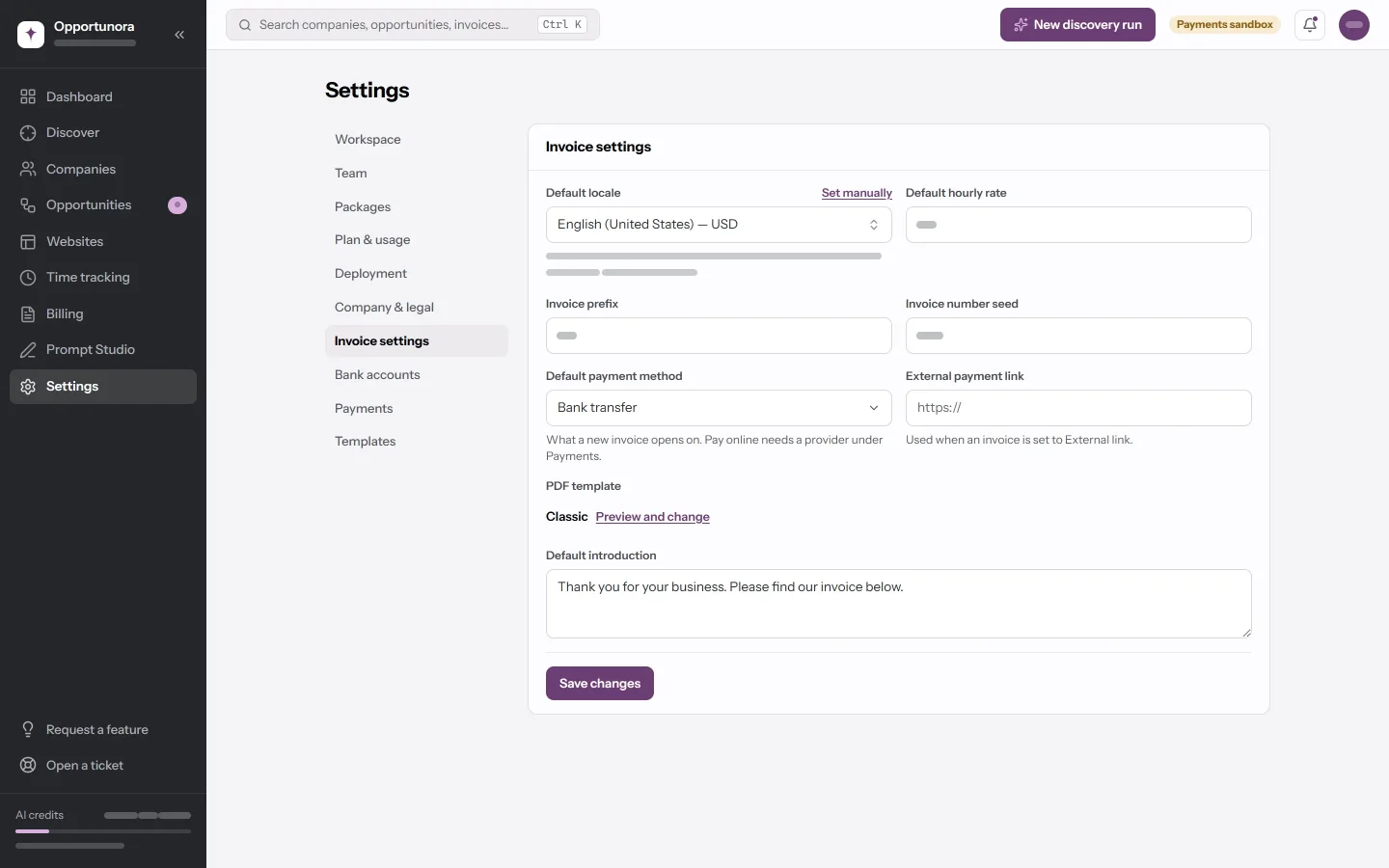
| Field | What it does |
|---|---|
| Default locale | The language new invoices open in; the currency and tax rate follow it. Set manually splits them into a currency, a tax rate and a language. |
| Default hourly rate | What time bills at when it is not on a project with its own rate — which includes everything from the timer. |
| Invoice prefix | Up to ten characters. INV gives INV-1000. |
| Invoice number seed | The lowest number the next invoice may take. Numbers only count up from here; they never reuse a gap. |
| Default payment method | What a new invoice opens on: Bank transfer, Pay online or External link. |
| External payment link | The URL an External link invoice prints. |
| PDF template | The layout in use. Preview and change opens the Templates tab. |
| Default introduction | The sentence that opens every new invoice. |
The locale list covers 47 languages and regions whose alphabets the PDF's font can print; Polish, Czech, Greek, Cyrillic and non-Latin scripts are left out for that reason.
Bank accounts
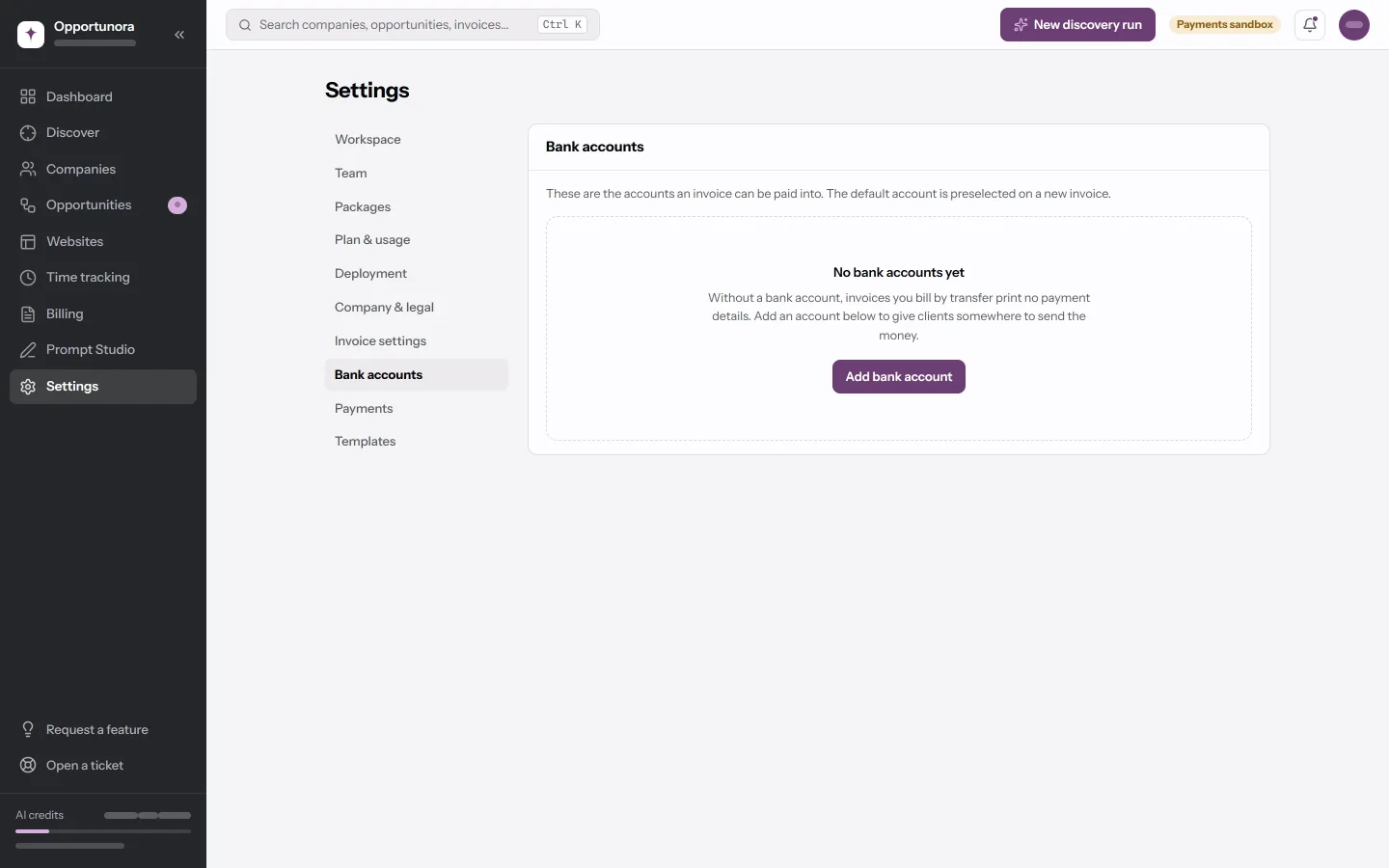
The accounts an invoice can be paid into. Each has a Name, a Currency, and any of Bank name, BIC/SWIFT, IBAN, Account number, Beneficiary name, Beneficiary address, Bank address and a Reference label. Set as default preselects it on new invoices.
The PDF prints the bank, IBAN, BIC/SWIFT, beneficiary and reference. An account used on an invoice cannot be deleted.
Payments
Stripe and PayPal. Covered in Connect Stripe and Connect PayPal.
Templates
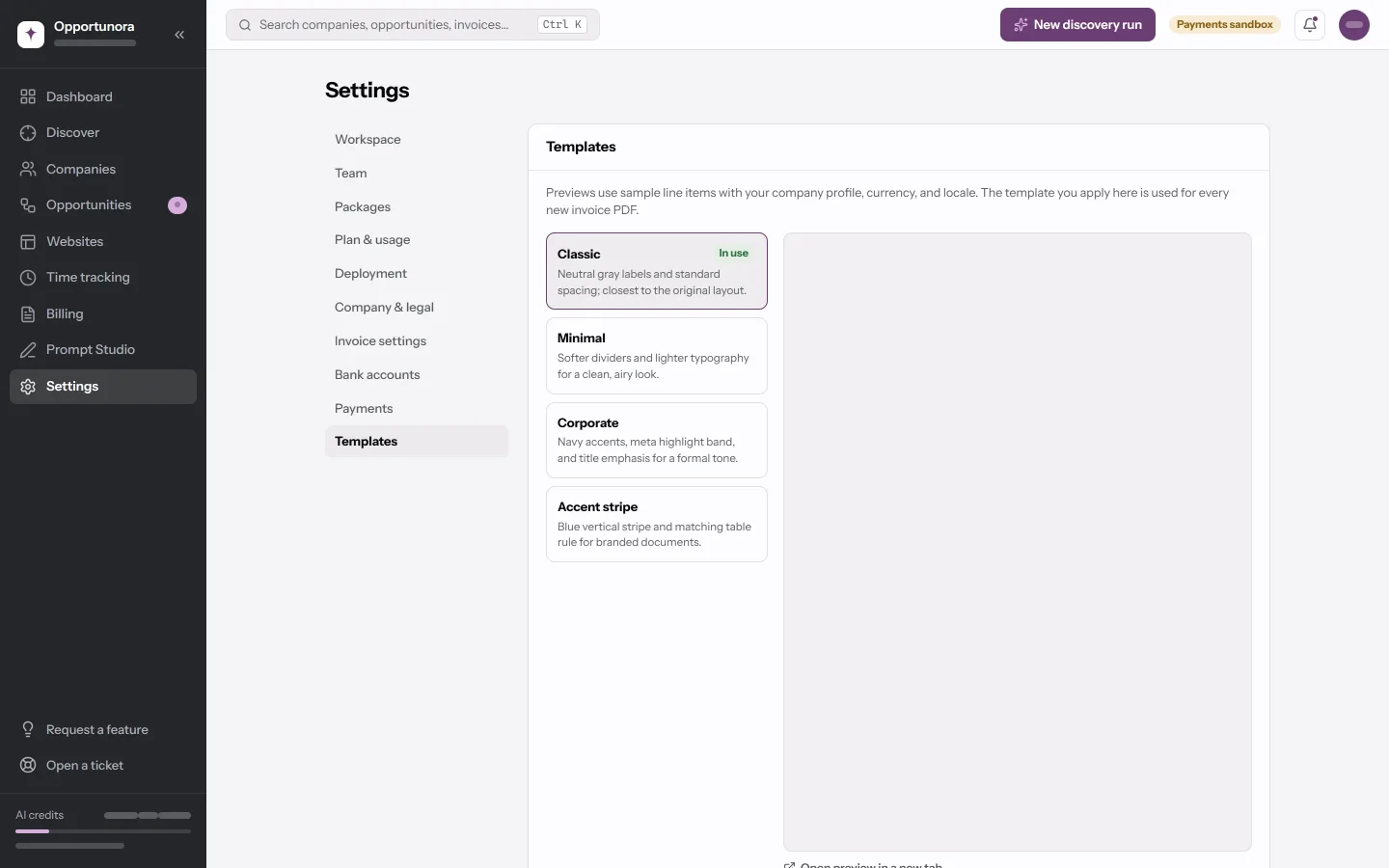
Four invoice layouts — Classic, Minimal, Corporate and Accent stripe — with a live preview. Use for invoices makes one the default.
Data export
A placeholder. There is no export in this build yet.
What is not in Settings
Things you might look for, and where they stand:
- Team and invitations — no screen yet. See People and roles.
- API keys and outbound webhooks — they exist in the app, but there is no screen to create them. See API and webhooks.
- An audit log — changes to settings, connections and packages are recorded, but there is no screen to read them.
- Deleting the workspace or your account — not in the app.
- A lock date for time entries — enforced if set, but set by whoever runs the deployment.